Navigating the world of PC gaming hardware can feel overwhelming, especially when trying to pinpoint the best current CPU for your setup in 2026. This comprehensive guide cuts through the noise, offering practical, up-to-date advice for US gamers who balance their passion with busy lives. We understand you value performance, value for money, and staying current without succumbing to unnecessary hype. Whether you are aiming for high frame rates in the latest AAA titles, smooth streaming experiences for your community, or a reliable system for social gaming sessions with friends, your CPU is the brain of your gaming rig. This article will help you understand what truly matters in a processor, highlight the top contenders from Intel and AMD, and address common pain points like budgeting for upgrades, troubleshooting performance issues, and balancing gaming with everyday responsibilities. Get ready to make an informed decision that elevates your gaming experience without breaking the bank or taking up all your precious free time. Discover the processing power you need to conquer virtual worlds and enjoy your digital escapades to the fullest.
What are the main differences between Intel and AMD CPUs for gamers?
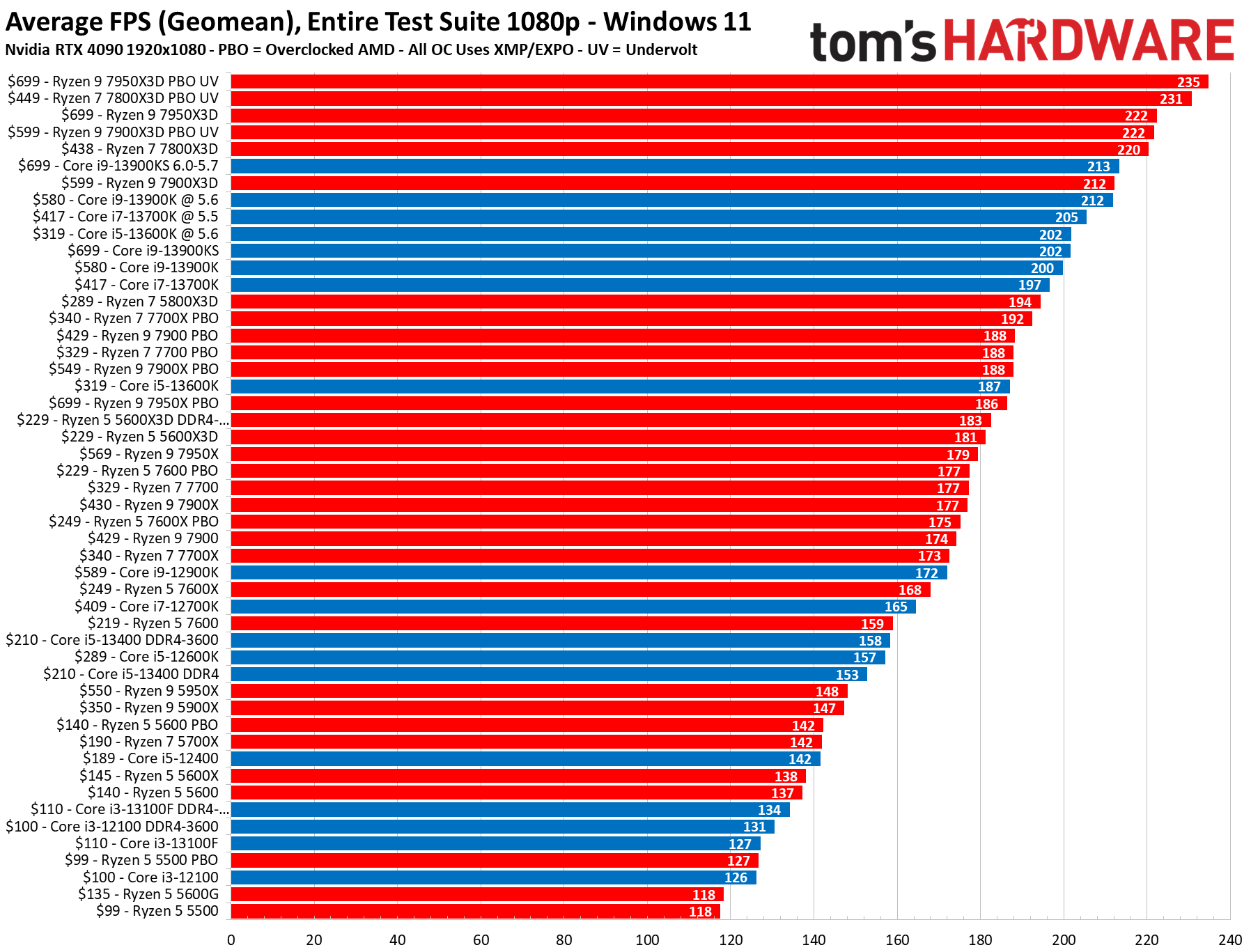
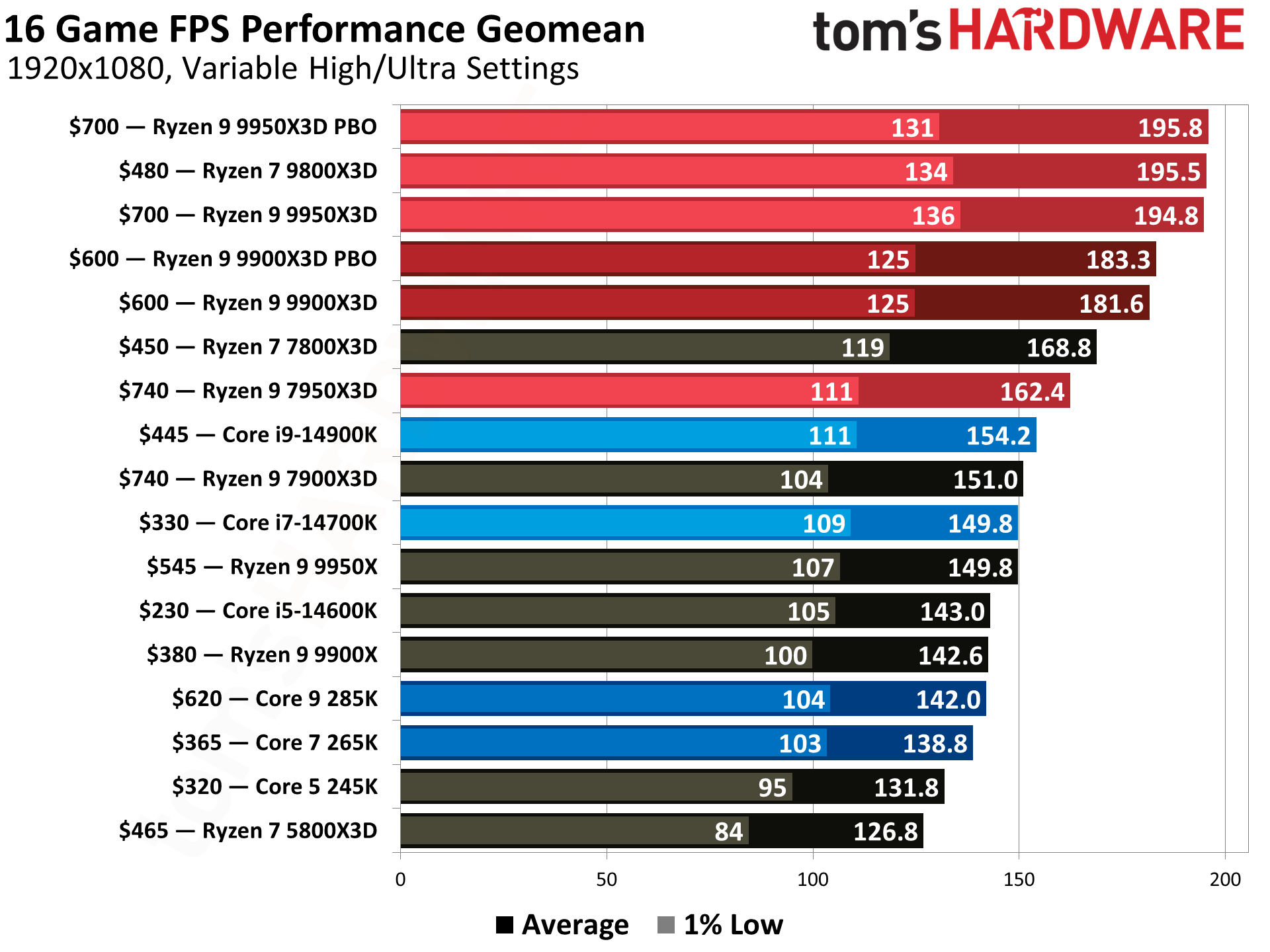
Intel CPUs typically offer slightly higher single-core performance, which can lead to a few extra frames in certain games, especially at 1080p. AMD CPUs, particularly those with 3D V-Cache technology like the Ryzen 7000/8000 X3D series, often excel in cache-sensitive games and provide strong multi-threaded performance, making them great for streaming or content creation alongside gaming. Both brands are highly competitive in 2026, so the 'best' often depends on your specific budget, game library, and whether you prioritize raw gaming FPS or overall system versatility.
How much does CPU core count really matter for modern gaming?
For most modern games in 2026, 6 to 8 strong cores are generally considered the sweet spot. Many titles can utilize more, but the performance gains diminish significantly beyond 8 cores for gaming alone. If you're also streaming, running complex applications in the background, or doing video editing, then higher core counts (12-16 cores) become more beneficial for multitasking efficiency. For pure gaming, focus on high clock speeds and robust single-core performance over an excessively high core count.
Do I need integrated graphics on my CPU if I have a dedicated GPU?
No, if you have a dedicated graphics card (GPU), you typically do not need integrated graphics (iGPU) on your CPU for gaming performance. The dedicated GPU will handle all graphical rendering. An iGPU can be useful for troubleshooting purposes if your dedicated card fails, or for basic display output if you're building a system without a GPU initially. For gamers, the presence of an iGPU usually doesn't impact performance either positively or negatively when a discrete GPU is installed and active.
What is CPU bottlenecking and how can I avoid it?
CPU bottlenecking occurs when your CPU isn't powerful enough to feed data to your graphics card fast enough, causing the GPU to wait for instructions and operate below its full potential. You can avoid it by ensuring your CPU is appropriately matched with your GPU. For example, pairing an entry-level CPU with a high-end GPU is a recipe for a bottleneck. Monitor your CPU and GPU usage during gaming; if your CPU is at 90-100% while your GPU is significantly lower, your CPU is likely the bottleneck. Investing in a current-gen CPU with strong single-core performance is key to avoiding this issue, especially at lower resolutions.
Should I buy an Intel or AMD CPU for future-proofing my gaming PC?
Both Intel and AMD offer compelling platforms for future-proofing. Currently, AMD's AM5 platform (Ryzen 7000/8000 series) uses DDR5 RAM and PCIe Gen 5, and AMD has historically maintained socket compatibility for several generations, allowing for easier CPU upgrades down the line. Intel's current platforms (14th/15th gen) also support DDR5 and PCIe Gen 5 but have traditionally changed sockets more frequently, meaning a CPU upgrade often requires a new motherboard. To future-proof, focus on getting a platform that supports the latest RAM and PCIe standards, and consider AMD's longer socket longevity if you anticipate future CPU-only upgrades.
Are AMD's X3D CPUs truly better for gaming than Intel's flagship models?
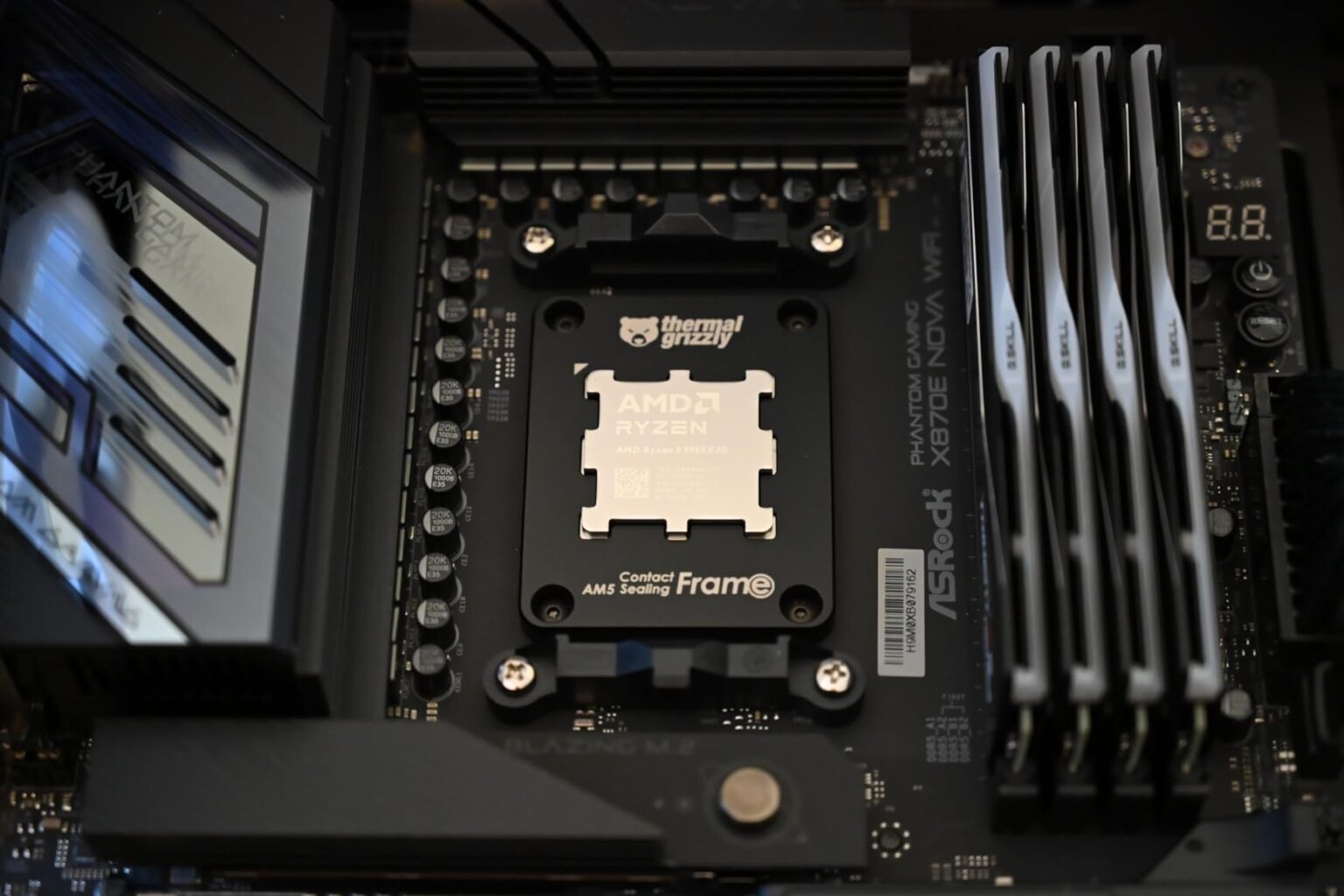
AMD's X3D CPUs, such as the Ryzen 7 8700X3D or Ryzen 9 8950X3D, are often superior for gaming in many titles due to their integrated 3D V-Cache. This large L3 cache directly on the CPU die significantly speeds up access to game data, resulting in higher frame rates, especially in cache-sensitive games. While Intel's flagship models like the Core i9-14900K can still hold an advantage in some games or at lower resolutions due to raw clock speed, the X3D chips frequently pull ahead in a wider range of popular games, making them a top choice for dedicated gamers prioritizing raw FPS.
How important is CPU cooling when choosing the best current CPU?
CPU cooling is extremely important, especially for the best current CPUs from both Intel and AMD. High-performance processors generate significant heat, and inadequate cooling can lead to thermal throttling, where the CPU reduces its clock speed to prevent overheating. This directly impacts your gaming performance, leading to frame rate drops and stuttering. Investing in a high-quality air cooler or an All-in-One (AIO) liquid cooler is crucial to maintain optimal temperatures, ensure consistent performance, and prolong the lifespan of your CPU. Don't skimp on cooling if you're buying a top-tier processor.
Hey fellow gamers! Ever feel like you blink, and suddenly there's a whole new lineup of CPUs promising to be the 'next big thing'? It's tough to keep up, especially when you're juggling work, family, and that precious limited time you get to dive into your favorite games. You're not alone. We all want our gaming rig to run smoothly, keep up with the latest titles, and maybe even let us stream a bit without breaking the bank or requiring a weekend of troubleshooting. Finding the best current CPU isn't just about raw numbers; it's about finding the brain that powers your escape, your social hub, and your competitive edge, efficiently and affordably.
In the US, gaming isn't just a hobby; it's a significant part of daily life for many. Recent data shows over 87% of US gamers play regularly, often dedicating more than 10 hours a week, even with demanding schedules. They value relaxation, skill-building, and social connection, whether it's through intense esports titles or cozy co-op experiences. With the rise of cross-play, free-to-play giants, and social platforms like Discord, your PC's CPU is more critical than ever for a seamless experience, whether you're building a new machine or looking for an upgrade. This guide is designed for you: the adult gamer who wants solid performance and smart value without the hype. We'll cut through the jargon and give you the practical answers you need to pick the best current CPU for your gaming life in 2026.
What is the Best Current CPU for Gaming in 2026 Overall?
As of early 2026, the battle for the best current CPU crown remains hotly contested between Intel and AMD, with both companies pushing performance boundaries. For the ultimate high-end gaming experience, delivering maximum frame rates in virtually any title, Intel's top-tier Raptor Lake Refresh models, specifically the **Intel Core i9-14900K** or its anticipated 15th-gen successor, often hold a slight edge in raw gaming performance, especially at 1080p and 1440p resolutions. These chips boast incredibly high clock speeds and a hybrid architecture that efficiently manages tasks. However, AMD's latest Zen 5 architecture, found in processors like the **Ryzen 9 8950X3D**, provides fierce competition, particularly with its large 3D V-Cache technology. This specialized cache significantly boosts performance in many cache-sensitive games, often surpassing Intel's offerings in those specific scenarios. For most gamers, either of these flagship CPUs will provide an exceptional experience, offering plenty of headroom for years to come. The choice often comes down to specific game preferences and ecosystem loyalty.
How Do I Choose the Right CPU for My Gaming Style and Budget?
Choosing the best current CPU isn't a one-size-fits-all decision; it heavily depends on your gaming habits and financial constraints. First, consider your primary gaming resolution and target frame rate. If you're playing at 1080p with a high refresh rate monitor, the CPU plays a more critical role in pushing those frames. At 4K, the GPU usually becomes the main bottleneck. Second, think about what else you do on your PC. Are you just gaming, or do you stream, edit videos, or run demanding productivity tasks? More cores and threads benefit multitasking heavily.
- Budget-Friendly (Under $250): Look at AMD's Ryzen 5 series (e.g., Ryzen 5 7600X) or Intel's Core i5 series (e.g., Core i5-14600K). These offer excellent value, providing 6-8 cores and strong single-core performance, perfectly capable of running most modern games at 1080p and 1440p.
- Mid-Range ( $250-$450): This sweet spot includes AMD's Ryzen 7 X3D series (e.g., Ryzen 7 8700X3D) or Intel's Core i7 models (e.g., Core i7-14700K). The X3D chips are gaming powerhouses due to their 3D V-Cache, while Core i7s offer a great balance for gaming and light content creation.
- High-End ( $450+): The top-tier Ryzen 9 X3D series (e.g., Ryzen 9 8950X3D) or Intel Core i9 (e.g., Core i9-14900K) are for enthusiasts who demand the absolute best performance for gaming, streaming, and heavy productivity.
Remember to factor in motherboard and RAM costs, as newer CPUs often require compatible components, pushing up the total build price.
Is it Worth Upgrading My CPU for Modern Games in 2026?
The question of whether to upgrade your CPU hinges on your current system and how it handles your favorite games. If you're experiencing noticeable stuttering, low frame rates, or significant performance drops during intense moments, your CPU might be a bottleneck, especially if you have a relatively modern GPU. Many gamers, particularly those from the Gen Z and Millennial demographic, are upgrading to ensure smooth experiences in graphically demanding titles and social multiplayer games. With 87% of US gamers playing regularly, and over 10 hours a week being common, optimizing performance is key for relaxation and fun.
Consider these points:
- Performance Gains: Upgrading from an older generation (e.g., Intel 8th-9th gen or AMD Zen 2) to a current-gen CPU (Intel 14th/15th gen or AMD Zen 5) can yield significant frame rate improvements, often 20-50% or more, especially in CPU-intensive games or at lower resolutions.
- Bottleneck Identification: Use monitoring software (like MSI Afterburner or HWMonitor) to check CPU and GPU utilization while gaming. If your GPU utilization is consistently low (e.g., below 90%) while your CPU is near 100%, you likely have a CPU bottleneck.
- System Compatibility: A CPU upgrade often necessitates a new motherboard and potentially new RAM (e.g., moving to DDR5), making it a more substantial investment than just swapping the chip. Plan your budget accordingly.
- Future-Proofing: A modern CPU offers better support for new technologies like PCIe Gen 5 and faster DDR5 RAM, ensuring your system can handle future games and applications.
If your current CPU is significantly hindering your gaming experience and you have the budget for a platform upgrade, it's absolutely worth it to unlock the full potential of your GPU and enjoy a much smoother, more responsive gaming experience.
What are the Top CPU Contenders from Intel and AMD in 2026?
In 2026, Intel and AMD continue to innovate, offering compelling choices across all price segments. Here's a look at the leading options:
| CPU Model | Architecture | Cores/Threads | Key Features | Target Audience |
|---|---|---|---|---|
| Intel Core i9-14900K (or 15th Gen equivalent) | Raptor Lake Refresh (or Nova Lake) | 24C/32T (8P+16E) | High single-core speed, strong multi-threaded, integrated graphics | Enthusiasts, streamers, high-refresh rate gamers |
| AMD Ryzen 9 8950X3D | Zen 5 with 3D V-Cache | 16C/32T | Industry-leading gaming performance in many titles (V-Cache) | Hardcore gamers, competitive esports players |
| Intel Core i7-14700K | Raptor Lake Refresh | 20C/28T (8P+12E) | Excellent all-rounder for gaming and content creation | High-end gamers, aspiring streamers |
| AMD Ryzen 7 8700X3D | Zen 5 with 3D V-Cache | 8C/16T | Fantastic gaming performance for its price point | Serious gamers seeking value |
| Intel Core i5-14600K | Raptor Lake Refresh | 14C/20T (6P+8E) | Strong mid-range, great for gaming and daily tasks | Mainstream gamers, good value builders |
| AMD Ryzen 5 7600X | Zen 4 | 6C/12T | Solid performance, good entry into AM5 platform | Budget-conscious gamers, first-time builders |
The
Identifying the best current CPU for gaming in 2026 involves balancing raw performance with value, especially for gamers who manage busy schedules. Key highlights include understanding CPU cores and clock speeds, selecting between Intel and AMD's latest offerings like the Raptor Lake Refresh or Zen 5 architectures, and considering features such as integrated graphics for casual play or PCIe Gen 5 for future-proofing. This guide focuses on practical advice for real-world scenarios, helping gamers optimize their setup for titles from social indies to demanding esports, all while navigating budget constraints and the desire for hassle-free upgrades. We cover how CPU choice impacts streaming, content creation, and overall system responsiveness, ensuring you pick a processor that aligns with your specific gaming habits and lifestyle.
35


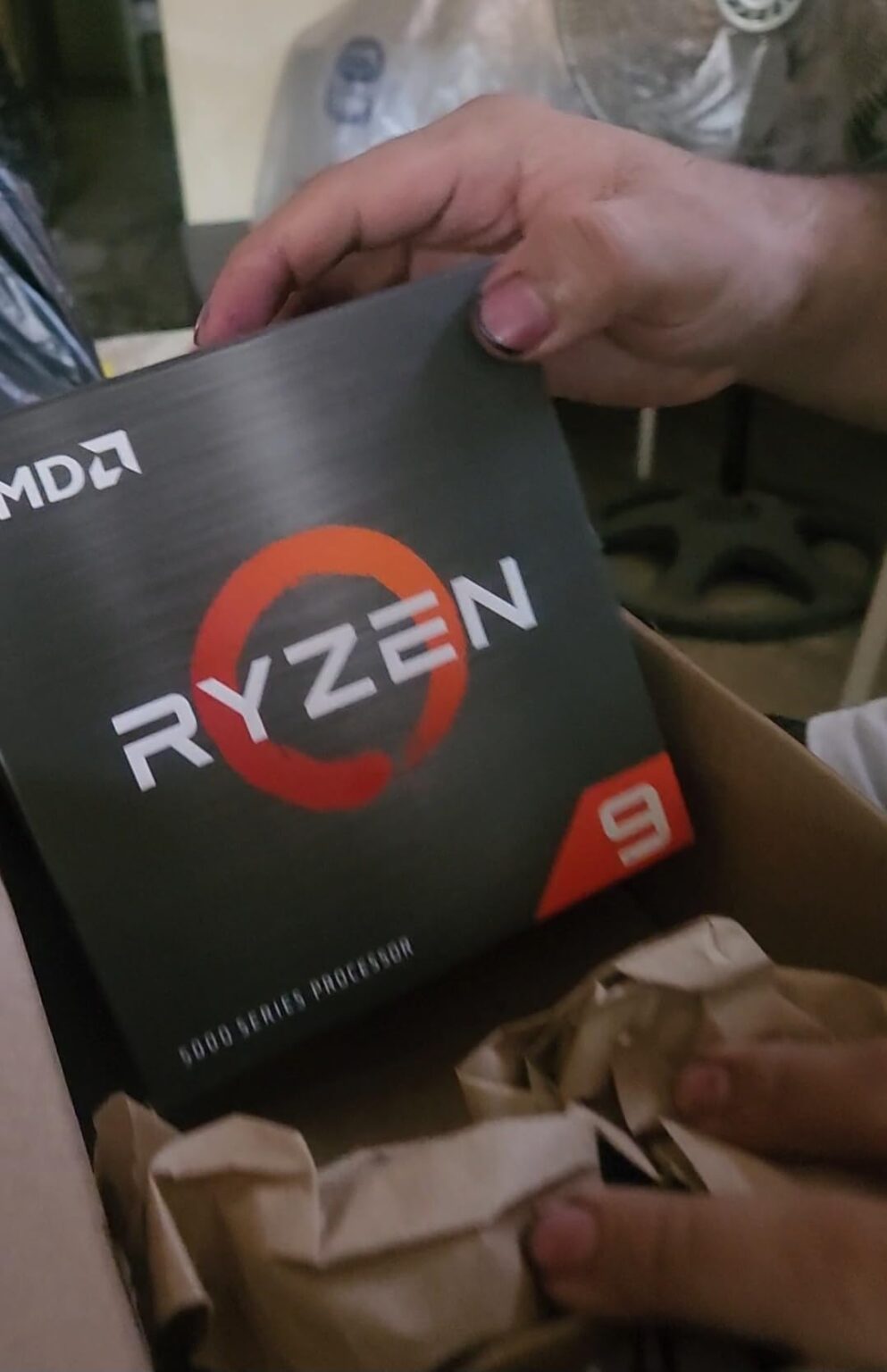
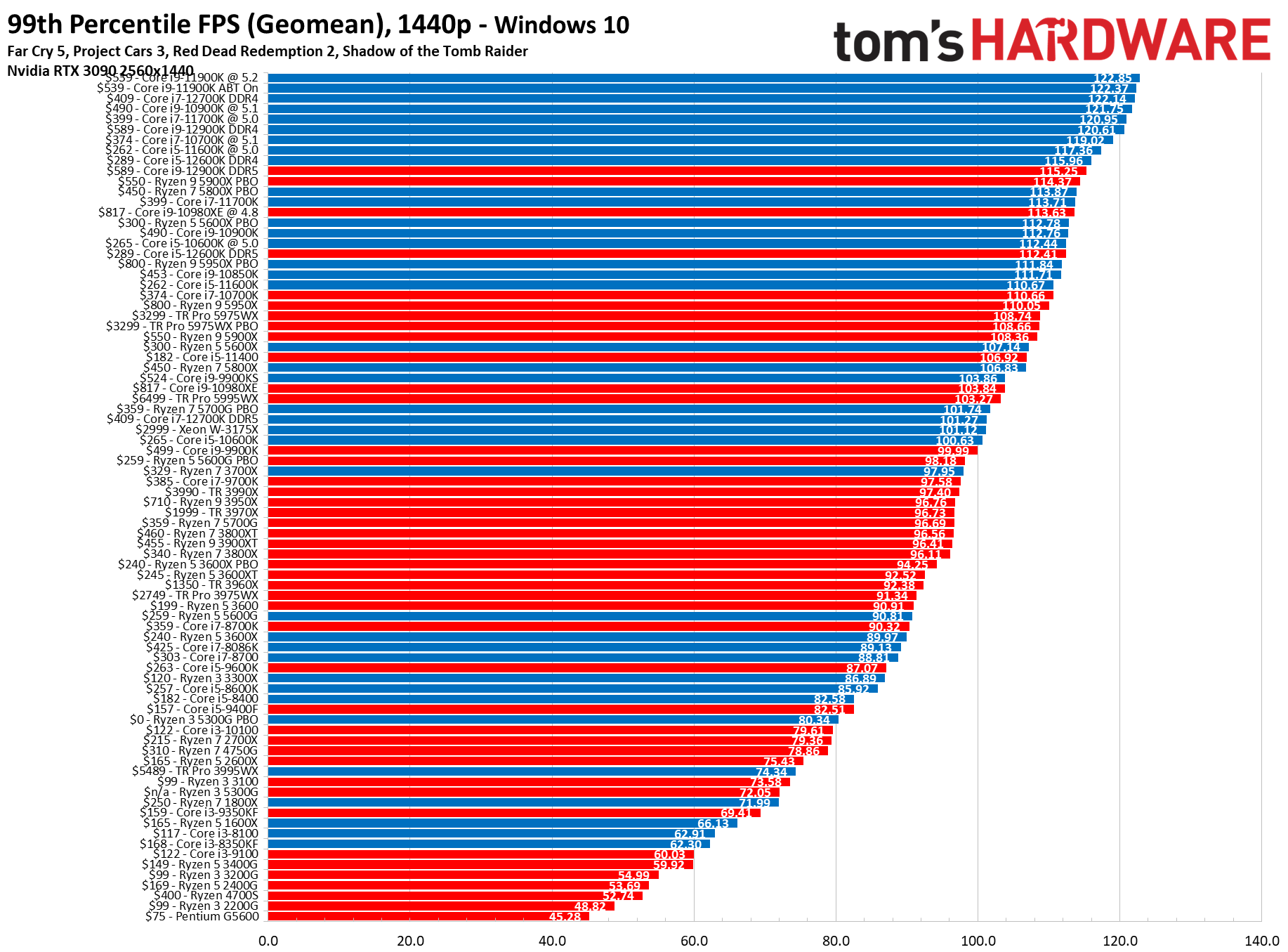
8 Best CPU For AM4 January 2026 Tested For Gaming Best CPU For RTX 3070 . CPU Benchmarks And Hierarchy 2026 CPU Rankings Tom S Hardware 1796 80 . Top 10 Best Desktop Computers 2026 For Home Office And Work Apple IMac M4 2026 All In One Desktop Computer For Creative In Best Desktop. 12 Best Current CPU March 2026 Tested Compared B09FWYK5M9 Customer 1 9 1152x1536 . Best Gaming CPU 2026 Best Gaming Cpu
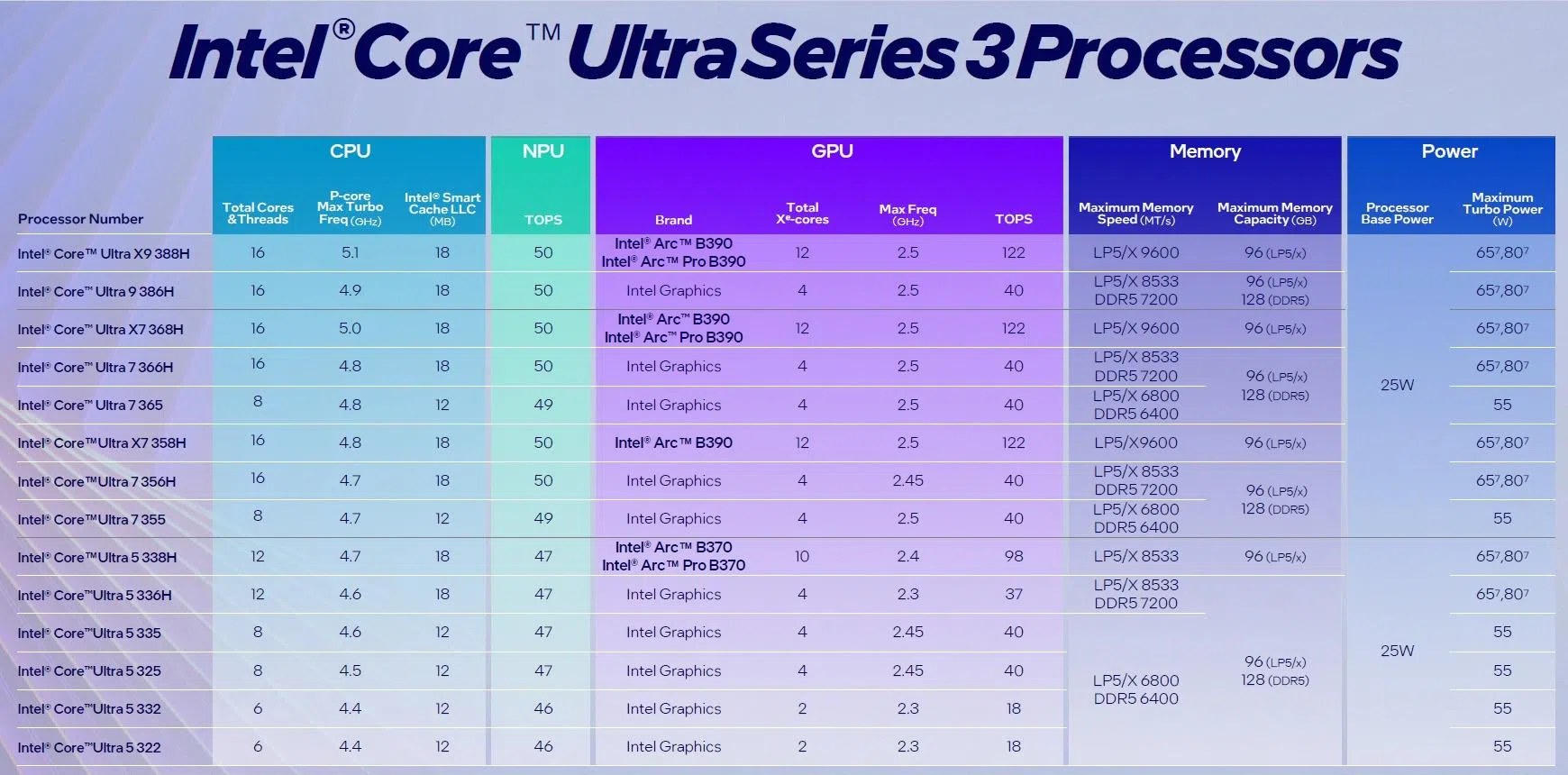

Prime Day Discount Brings AMD S Ryzen 7 7800X3D Down To 338 A Top . 12 Best Current CPU March 2026 Tested Compared B0815Y8J9N Customer 2 6 993x1536 . Cpu Compare . CES 2026 Roundup All The Biggest Tech. 8 Best CPU For RTX 5080 March 2026 Expert Reviews Tests Featured Image Munl2xg8


Best Current CPU 2026 8 Processors Tested For Gaming Featured Image Wf9i5s7f . 12 Best Current CPU March 2026 Tested Compared B0BCF57FL5 Customer 1 11 225x300 . Best CPU S 2025 Ces 2026 Hp Omnibook Ultra 14 Preview Solid Snapdragon Performance 2026 01 02 311170 . 12 Best Current CPU For Gaming 2026 Expert Reviews Featured Image 6ald4xcj . ASUS ROG Showcase At CES 2026 Confirmed With New Gaming Gear Laptops 109228 43 Asus Rog Showcase At Ces 2026 Confirmed With New Gaming Gear Laptops And Future Technology Full

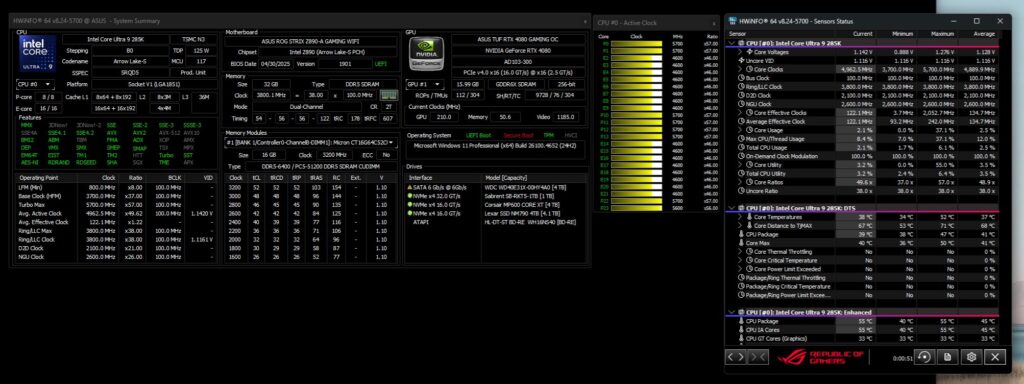
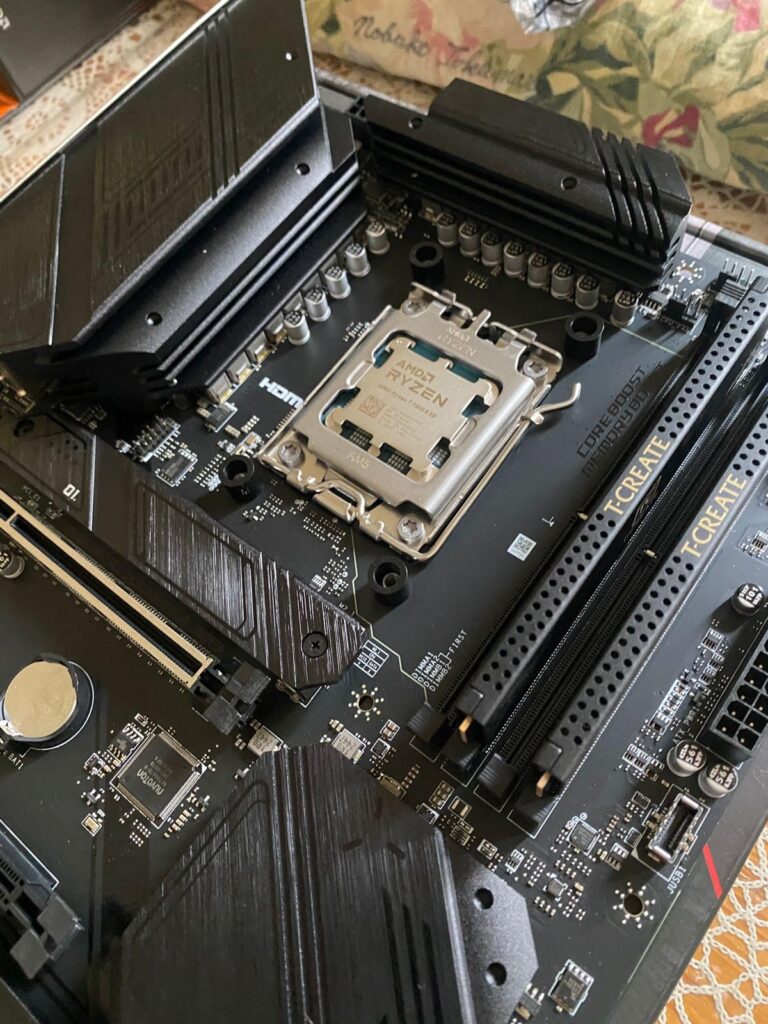
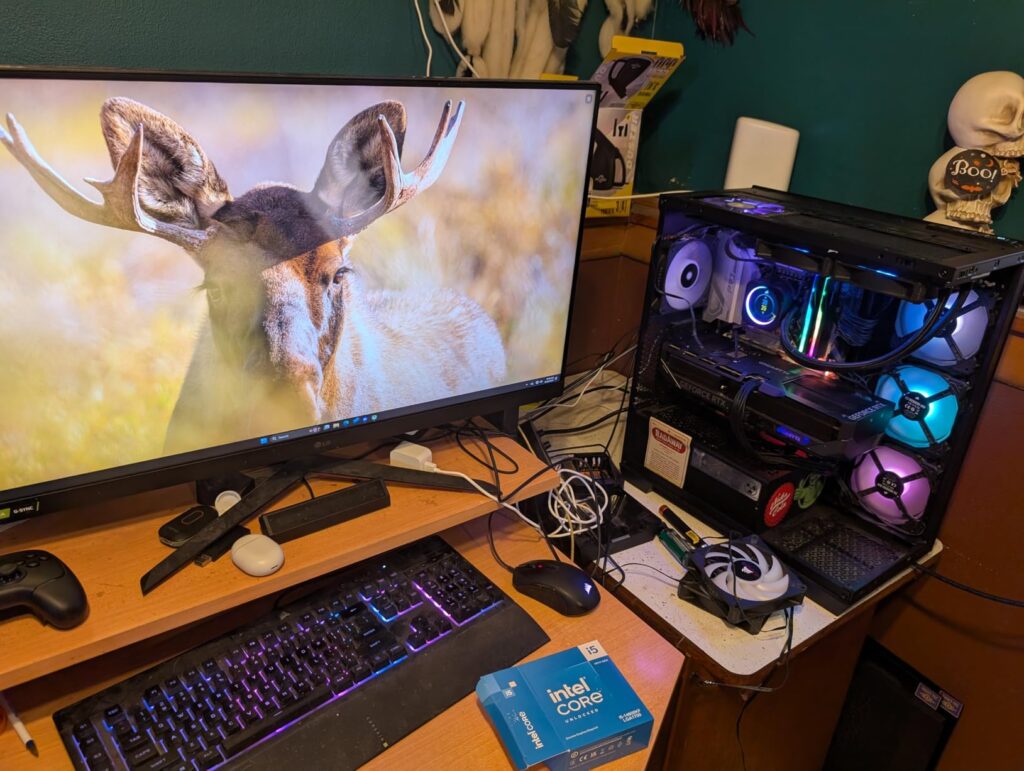
Intel CPU Roadmap 2025 2026 Arrow Lake Refresh Panther Lake Nova Core Ultra 200 . 12 Best Current CPU March 2026 Tested Compared B0DFKC99VL Customer 1 4 1024x384 . The 10 Best Laptops At CES 2026 PCWorld Lenovo ThinkPad X1 Carbon Aura Edition At CES 2026 . 12 Best Current CPU March 2026 Tested Compared B0BTZB7F88 Customer 1 54 768x1024 . 8 Best Current Intel CPU June 2026 Top Performance Picks B0CGJ4MLC8 Customer 1 24 1024x771
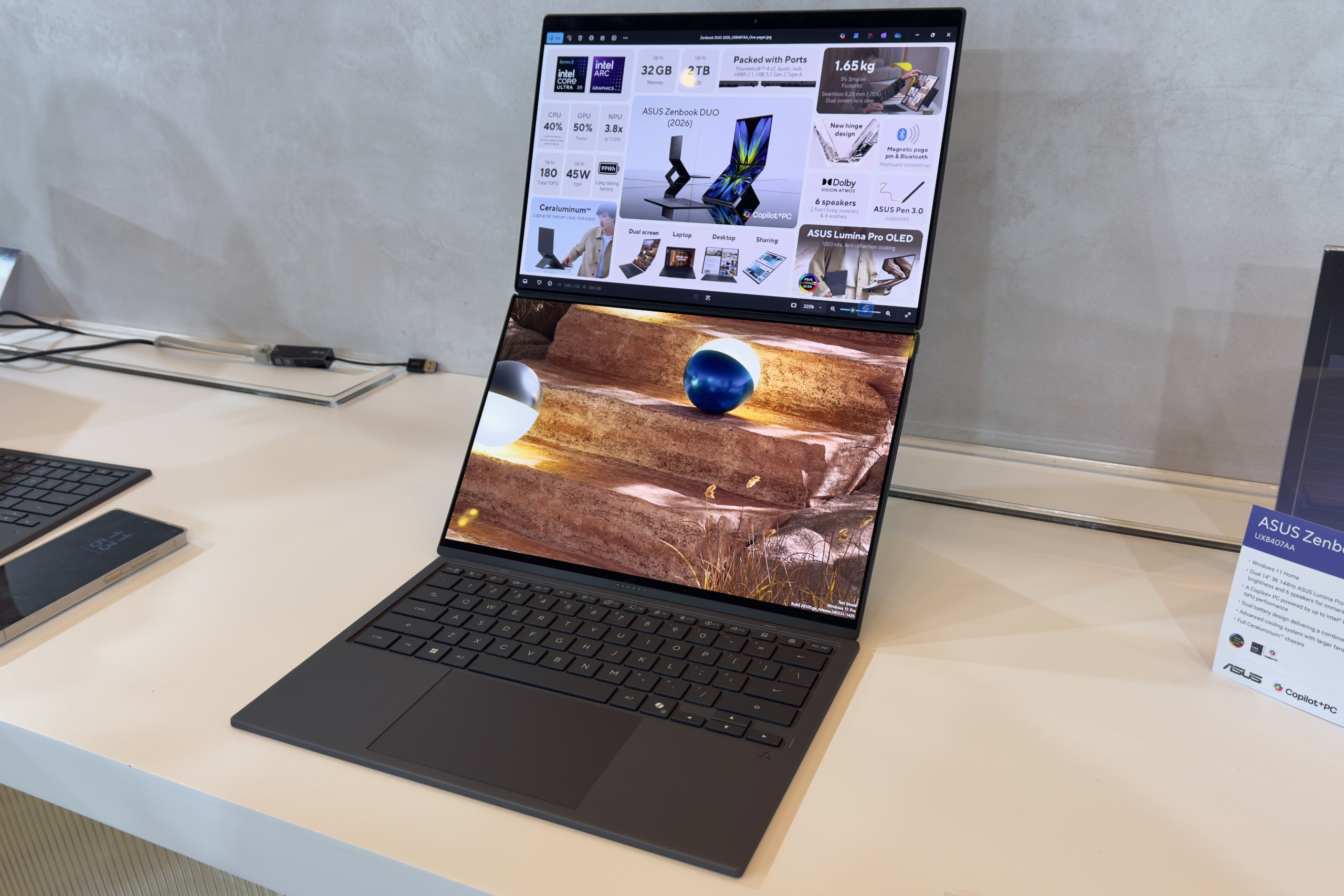
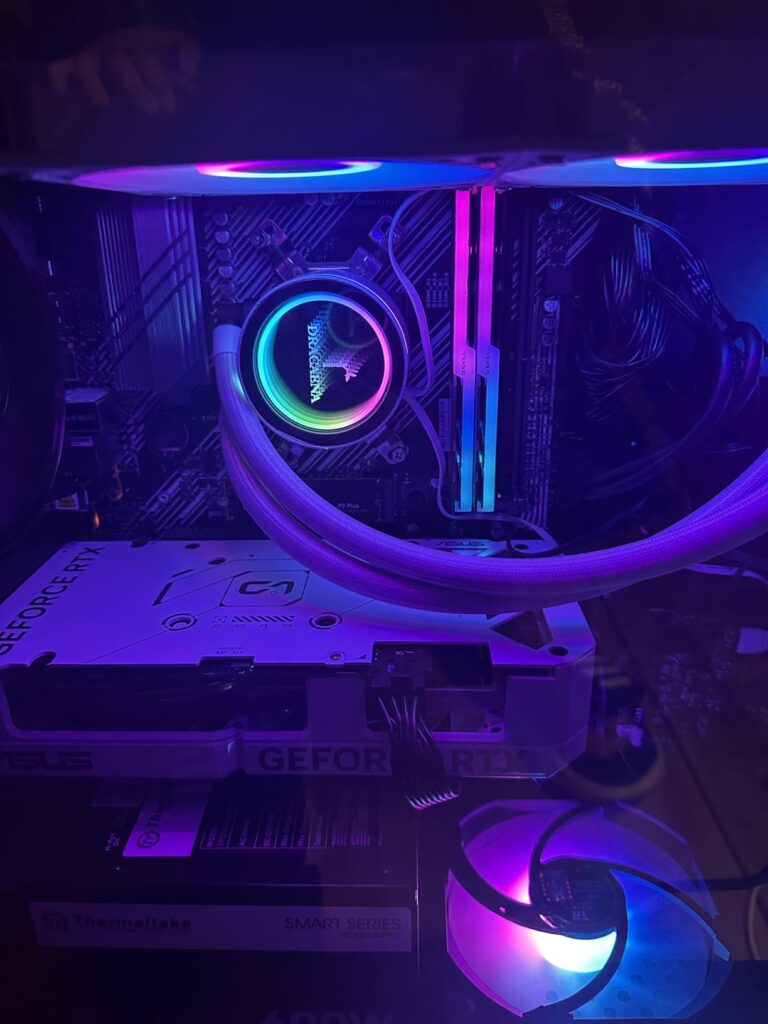

The 10 Best Laptops At CES 2026 PCWorld Asus Zenbook Duo At CES 2026 . 12 Best Current CPU March 2026 Tested Compared B0815XFSGK Customer 1 32 768x1024 . Top 10 Best Desktop Computers 2026 For Home Office And Work Dell Tower Plus 2026 Desktop Computer With Sleek Design And Powerful Components For Best. 12 Best Desktop In 2026 Tested Reviewed Best CPU For 4K Video Editing PC Build 1024x576 . 12 Best Current CPU March 2026 Tested Compared B0D6NNRBGP Customer 1 8 865x1536


Best Laptops 2026 Top Picks For Every Budget Use Case Xthe Best Laptops 2026 Top Picks For Every Budget Use Case 750x350 . 12 Best Current CPU March 2026 Tested Compared B0815Y8J9N Customer 1 7 225x300 . SPEC Releases The SPEC CPU 2026 Benchmark Suites To Address The Latest 1042605 . 12 Best Current CPU March 2026 Tested Compared B0DVZSG8D5 Customer 2 8 1024x926 . 12 Best Current CPU March 2026 Tested Compared B0DVZSG8D5 Customer 1 7 1536x1024


Best Current CPU 2026 8 Processors Tested For Gaming Gravatar . Asus Zenbook Duo 2026 Review The Dual Screen Laptop I D Pick For Stuff Best Laptop Lead . AMD Mobile CPU GPU 2025 2026 Update Includes Ryzen APU Refreshes AMD Ryzen CPU Radeon GPU 2025 2026 APU Refreshes Strix Halo Krackan Fire Range Radeon RX 8000 1 . The 5 Best RGB CPU Coolers For Aesthetic Custom PC Builds In 2026 Best Intel Core CPUs For Desktop PC Build . WhatsApp Business API 2026 1759877899 1024x570